Learn how to use Final Cut Pro keyboard shortcuts
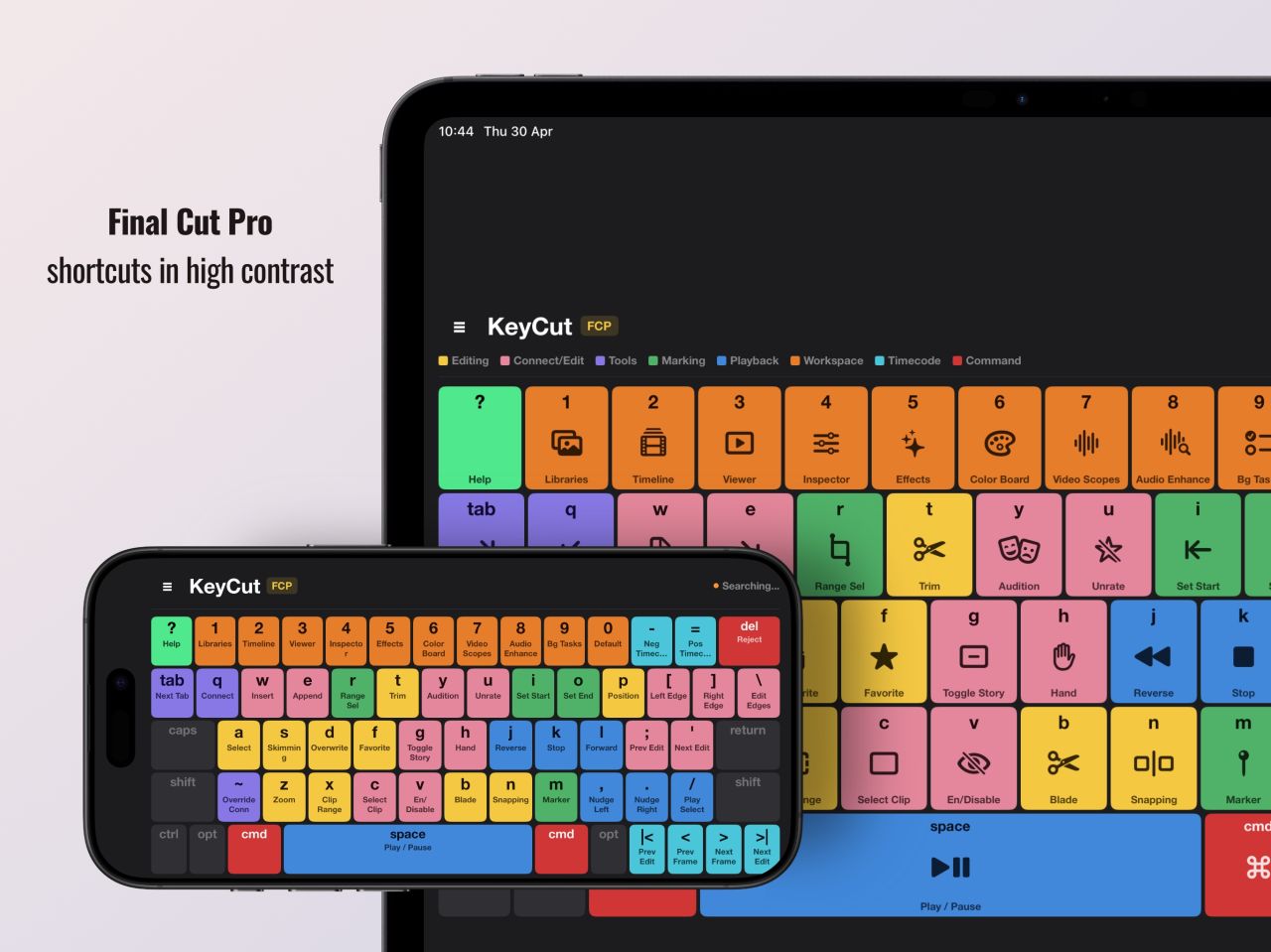
The first thing I built this way is on the App Store now: KeyCut, an iPad control surface for video editors. Tap a colour-coded key and it fires the real shortcut to your Mac over Wi-Fi.
A year ago, if I wanted to build a product I’d have needed a developer. I’m a product designer with 25 years in tech & digital design. Normally I would work with a developer to bring my designs to life but this time, over the last few months I sat down and learned the tools myself. Not to become an engineer, just to stop being stuck.
What surprised me was how much you can run now for almost nothing:
CloudKit for syncing across someone’s devices. Free, no server. StoreKit for in-app purchases and subscriptions. Apple handles it. PassKit for Wallet passes, with no backend of my own. Supabase and Firebase for a database, push and logins without hiring anyone. Cloudflare for DNS, security and caching, mostly free.
Ten years ago most of that meant a web developer, a server bill and a monthly retainer. Now it’s a weekend and a bit of reading.
I did a short course (Code with Chris) to find my way around Xcode and work out which stack does what. And yes, I use Claude in Xcode to move faster. But you still have to understand what you’re choosing and why. It’s not just theory.
The first thing I built this way is on the App Store now: KeyCut, an iPad control surface for video editors. Tap a colour-coded key and it fires the real shortcut to your Mac over Wi-Fi.
Designed and built by one person, on this exact stack. There’s more coming. I’ll share each one as I go. If you’re a designer who’s been waiting on someone else to build your ideas, I don’t think you have to any more.
Get Keycut – Learn how to use Final Cut Pro keyboard shortcuts
https://getkeycut.com